 SunnyBrook Owner
How-to guides
Run the slide, control heat and A/C, use ventilation, set up camp, winterize, and handle the everyday systems with clear steps.
Maintenance, how-to guides, manuals, photos, records, systems, and layout details—organized for the SunnyBrook owner living with the rig every day.
 Coming soon
See inside the app
Coming soon
See inside the app
Your field guide
The useful answers are up front: what to do, where to look, what to record, and when to stop and check the installed component manual.
Run the slide, control heat and A/C, use ventilation, set up camp, winterize, and handle the everyday systems with clear steps.
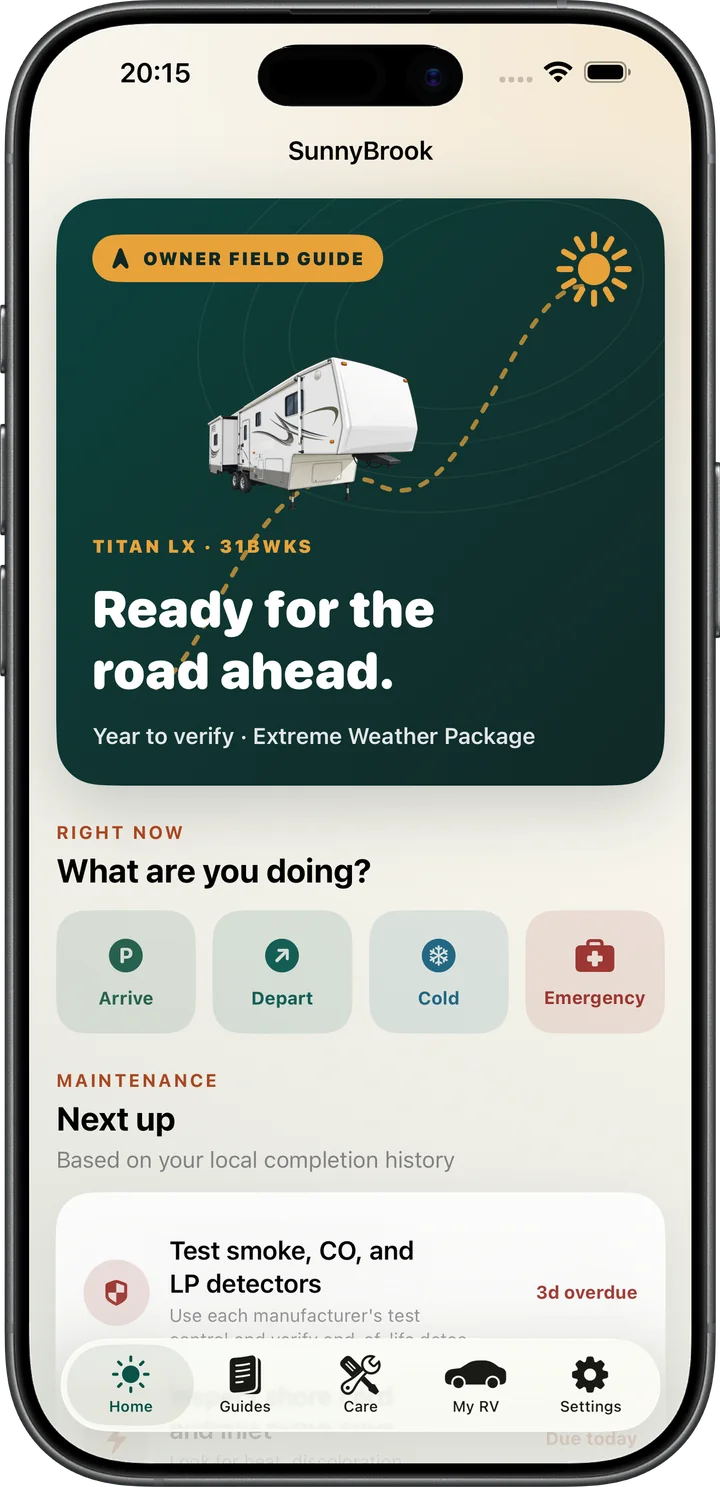
Track filters, seals, bearings, batteries, appliances, detectors, and roof inspections. Log work and see what is due next.
Keep reference photos of valves, labels, fuse panels, plumbing routes, and anything else you never want to hunt for twice.
Add the manuals that match your installed appliances and equipment so model-specific documents stay with the RV record.
Follow black- and gray-tank sequences, freshwater sanitation, detector checks, propane cautions, and safe setup reminders.
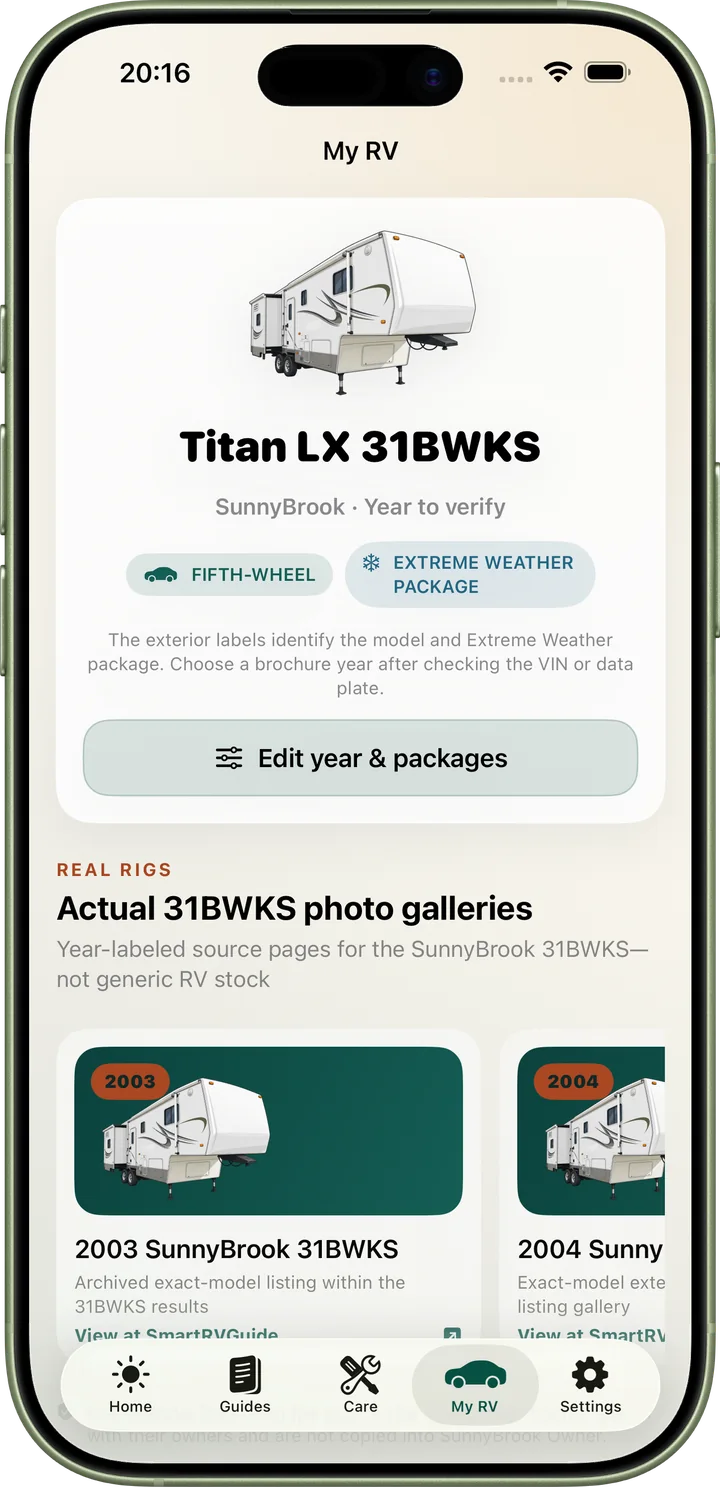
Save year, package, VIN, dimensions, tire notes, insurance details, service history, and the information an owner needs on the road.
Not a generic RV app
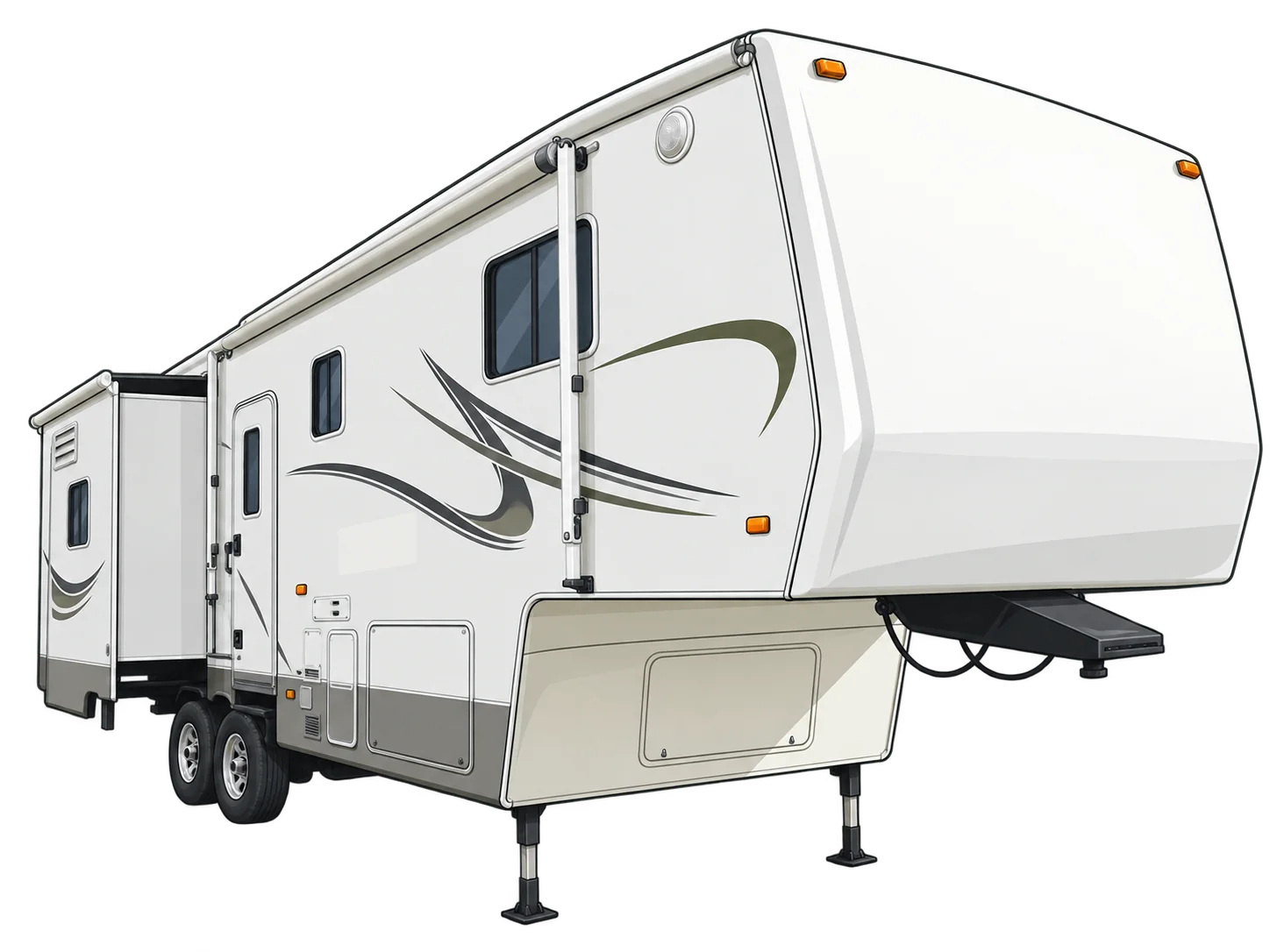
The app artwork was redrawn from a real 31BWKS reference, and the profile lets owners select the supported year and package that matches their rig.
Inside the app
Swipe to see every screen →
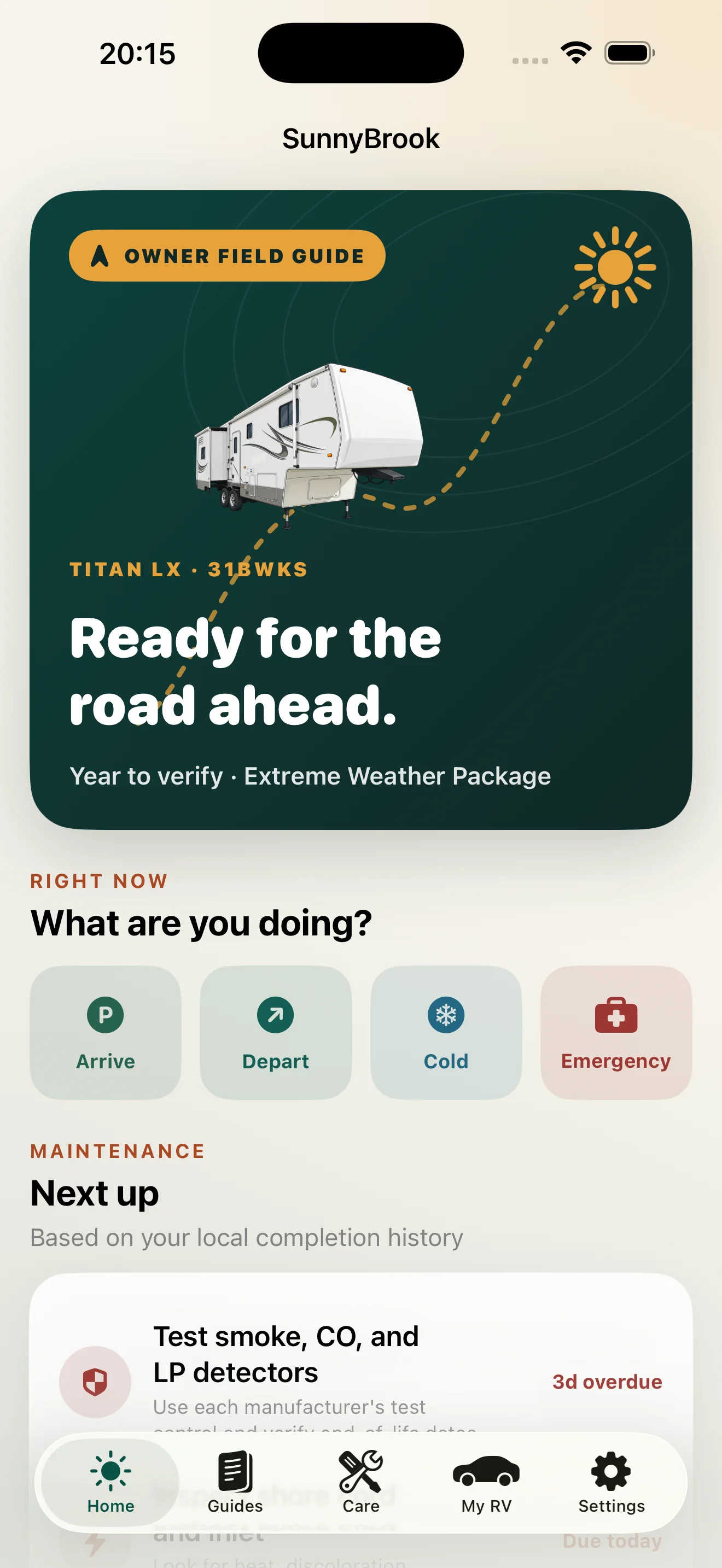
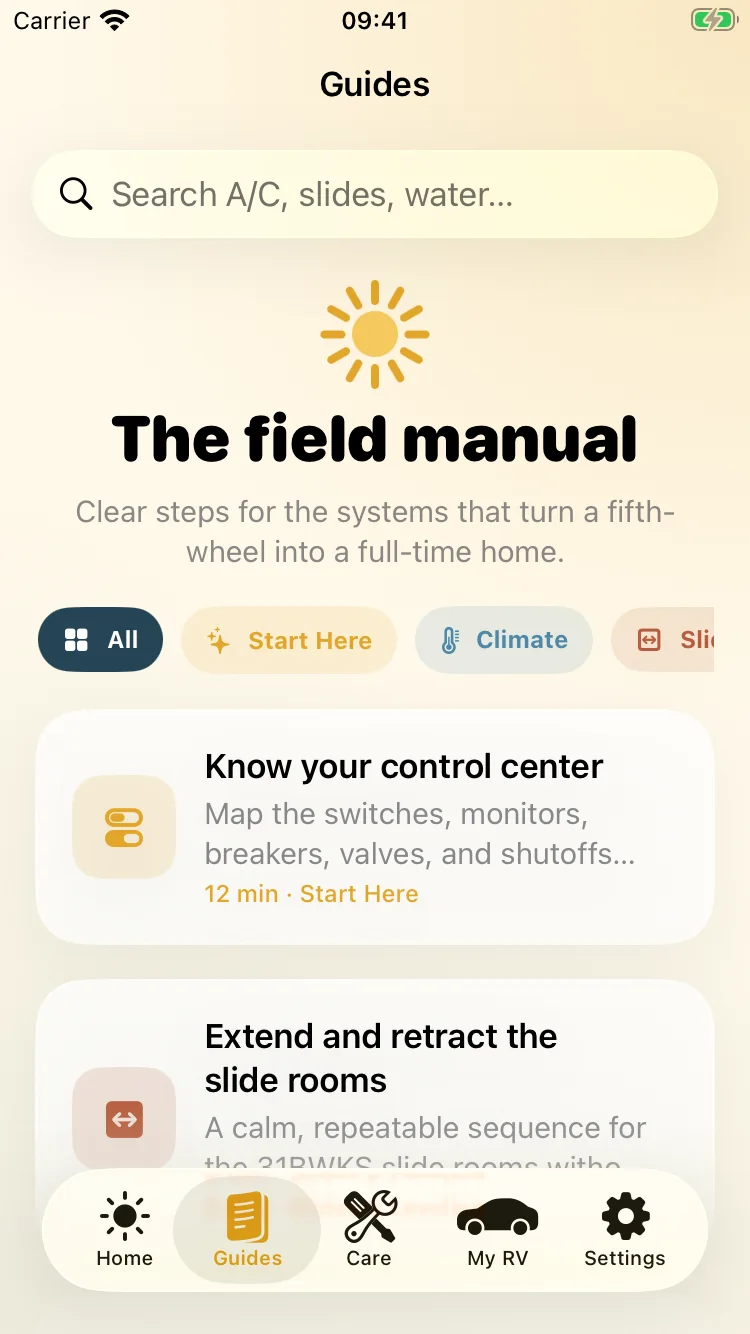
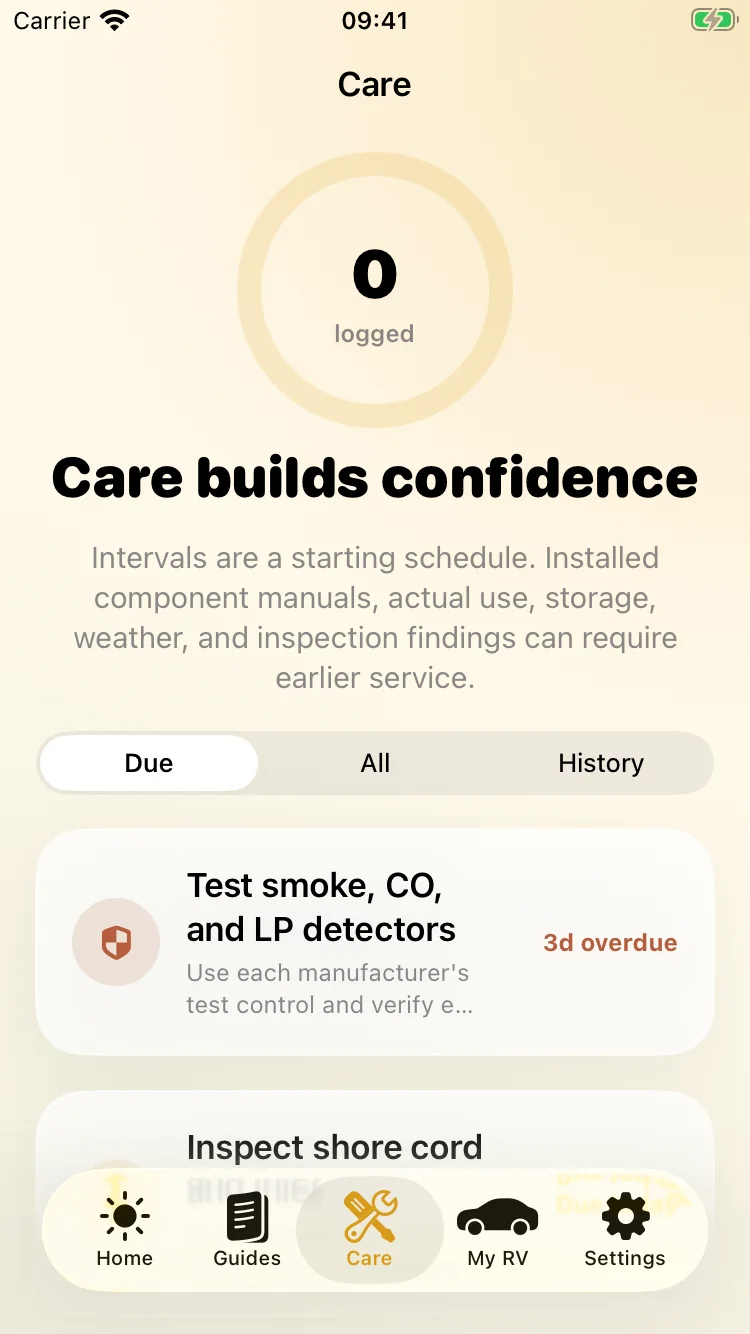
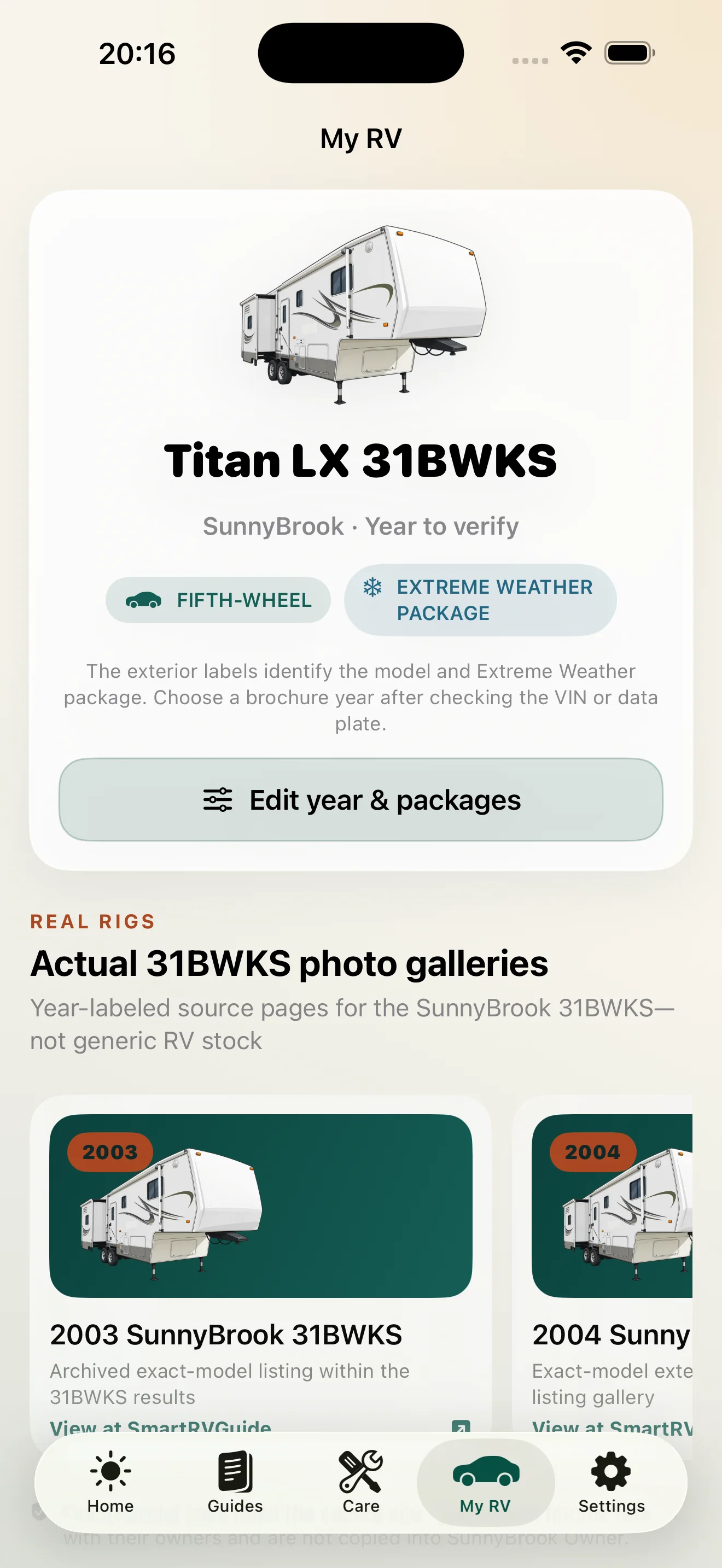
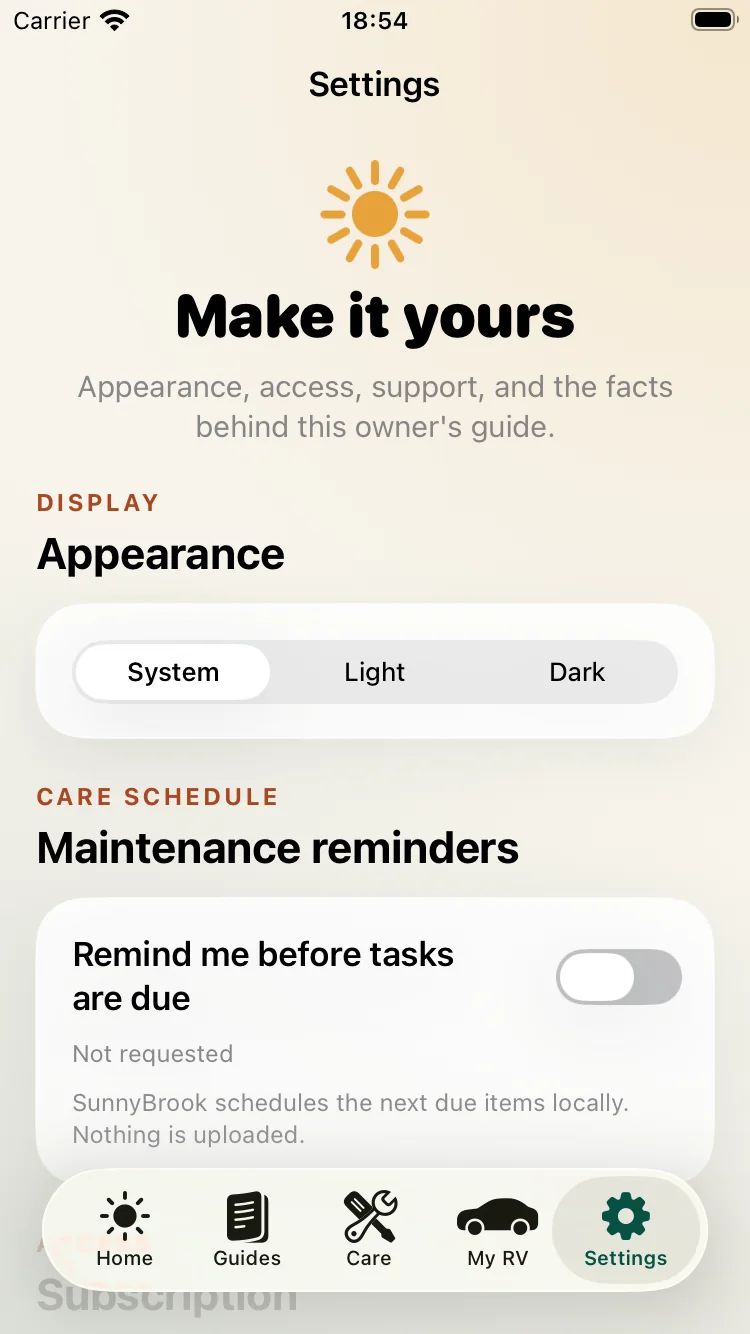
No wall at the front door
SunnyBrook Owner launches directly into the app. The subscription screen appears only when you choose an upgrade action, and it can be dismissed without starting anything.
14 days free after you deliberately select the offer and confirm with Apple.